


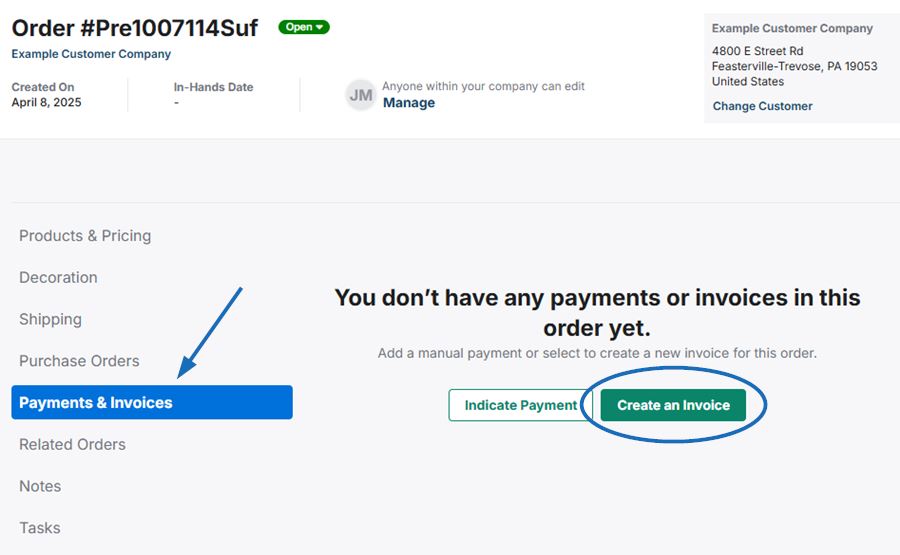
To generate an invoice from a standalone order, open the order and go to the Payments & Invoices section. Then, click on the Create an Invoice button.
The newly generated invoice will open with a success message in the lower right corner.
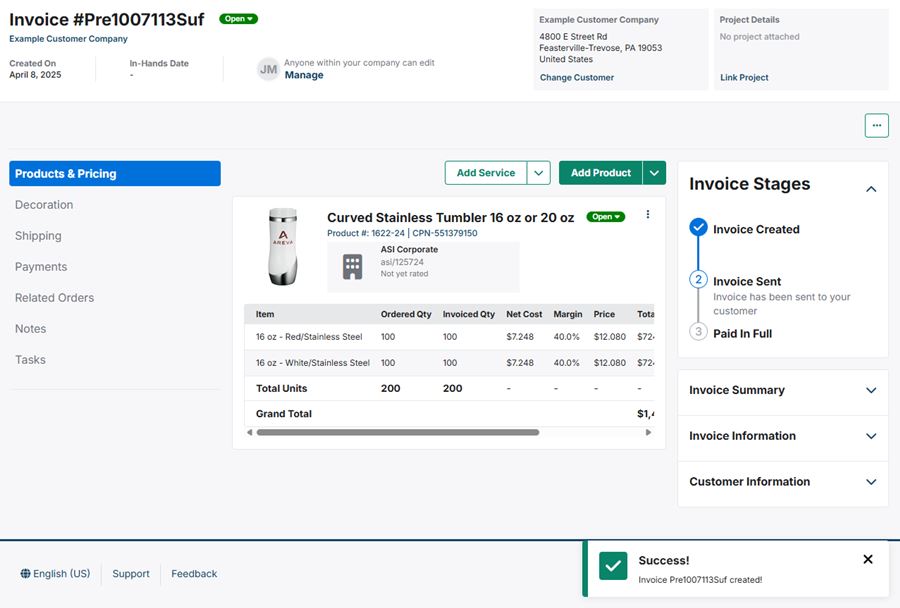
You can modify the full product information and pricing.
Once you have finished updating the product information for the invoice, you can send it to the customer by clicking on the "Send Invoice" button.