


To access the Website Studio, first toggle on the "New Site Designer" option. A "Website Studio" tab will appear. Click on the tab to open the website studio.

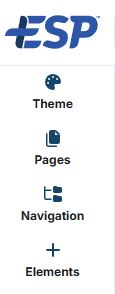
Within the website studio, you are able to edit the website theme, pages, navigation, and add and edit elements on website pages. To access each section, click on the available options on the left hand side.
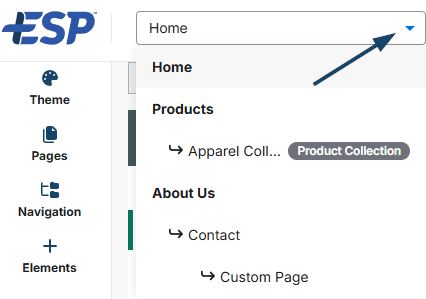
To choose which page you would like to edit, use the drop-down at the top of the screen to select the page.
To view the live website, click on the globe icon. Or you can preview the website by clicking on the "Browser Preview" button.
The bar along the top of the website studio allows you to view the website preview in different sizes, simulating how the website will look on various mobile devices.
To leave the website studio, click on the "Exit" button in the bottom left corner to return to the websites admin area.