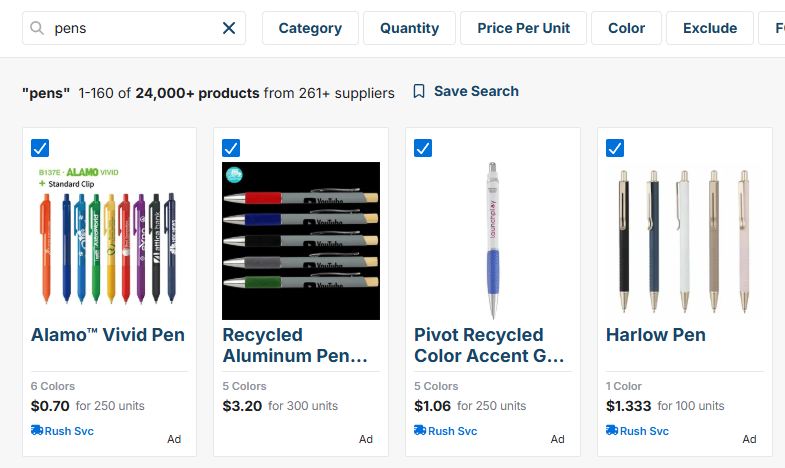
To compare products in ESP+, first perform your product search, then check the box in the top left of the products you want to compare.
The blue action bar will appear at the bottom of the search results. Click on the 3-dot icon and then click on the "Compare" button.

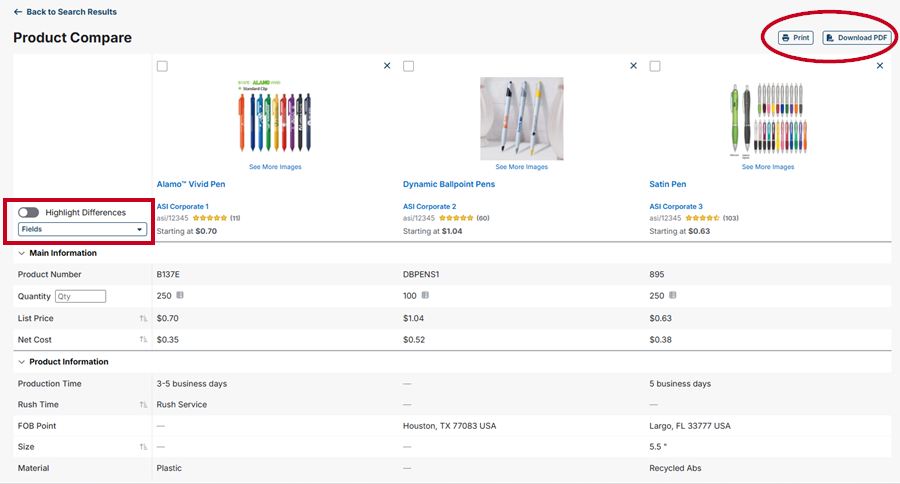
On the Product Compare page you can select which fields to display and highlight differences between products. You can also print and/or download the product details.