


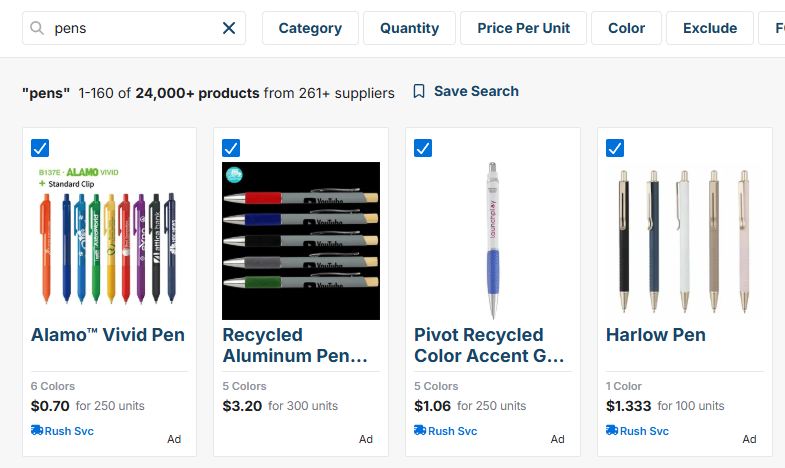
You can print a search summary for multiple products or suppliers in ESP+. First, perform your product or supplier search. Then check the box in the top left corner of the products or suppliers you want to add to your summary list.
The blue action bar will appear at the bottom of the search results. Click on the 3-dot icon in the bar and then click on the "Print Summary" button.

The print screen will open with a preview of the summary list. Select your printer to print, or select "Print to PDF" to download the list to your computer, then click on the "Print" button.