


Supplier Credentials allows you to manage your credentials with suppliers who are directly connected to the ESP+ ordering system, making for a faster ordering process. Some suppliers are also able to send real-time updates about orders through ESP+.
To access the Supplier Credentials area, click on the user icon in the top right of ESP+ then click on Settings. From the menu on the left, click on Supplier Credentials.
All of the available suppliers will be listed. To add credentials for a specific supplier, click on the Edit button to the right of the supplier, then fill out the form.
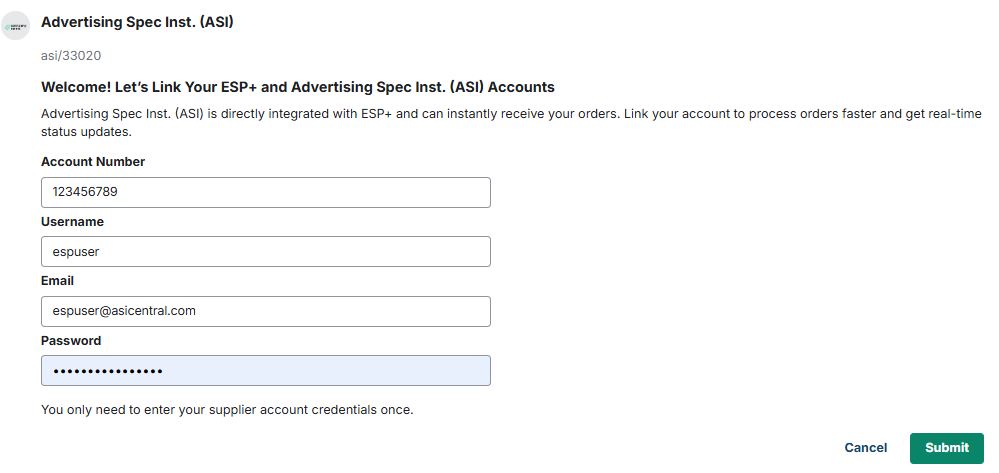
When you are finished, click on the Submit button.
If you do not have credentials, you will need to contact the supplier directly to create an account and receive your credentials. You can access the supplier contact information by searching for the supplier in ESP+.