


To manage the header and footer navigation for your ESP+ Website, go to the Pages section within the site admin.

You can add links and labels to your navigation by clicking the down arrow next to Add Custom Page and clicking Add Link or Add Label

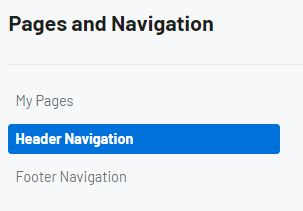
In the Header Navigation and Footer Navigation subsections of the Pages tab you can update the available options for each site menu. Click on the navigation menu you would like to update.
The menu structure will contain all enabled pages on your website. Use the two lines icon to reorganize the pages in the header navigation. If you would like to create a subpage, use the two lines to drag the page and drop it slight indented to the main page. To hide a page from the navigation, click on the 3-dot icon and click "Hide from menu".
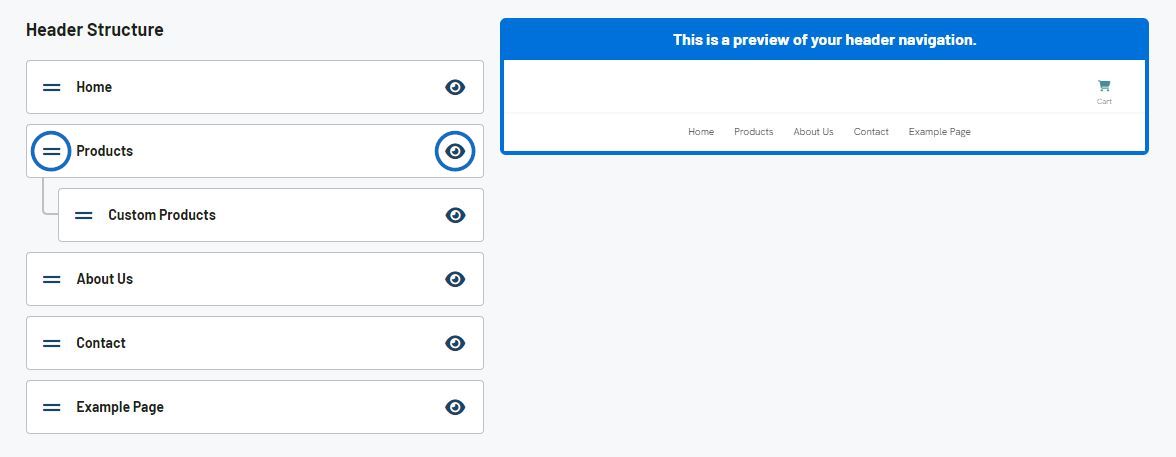
The preview will update instantly to reflect your changes.
When you are finished modifying the structure, click on the Publish Site button.

- Link You can add a link to an existing page on your website or link out to an external page
- Label You can add a text label to your navigation