


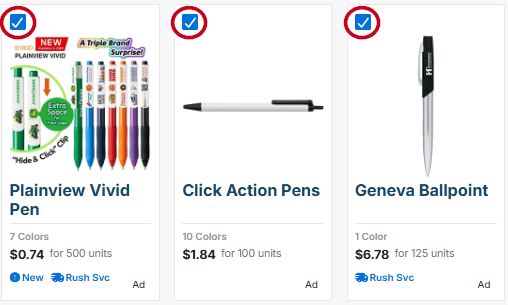
To send multiple products to your customer at one time, first search for the product keyword, then check the box in the top left of each product you want to send.
A blue taskbar will appear at the bottom of the screen. Click on the "Send to Customer" button.

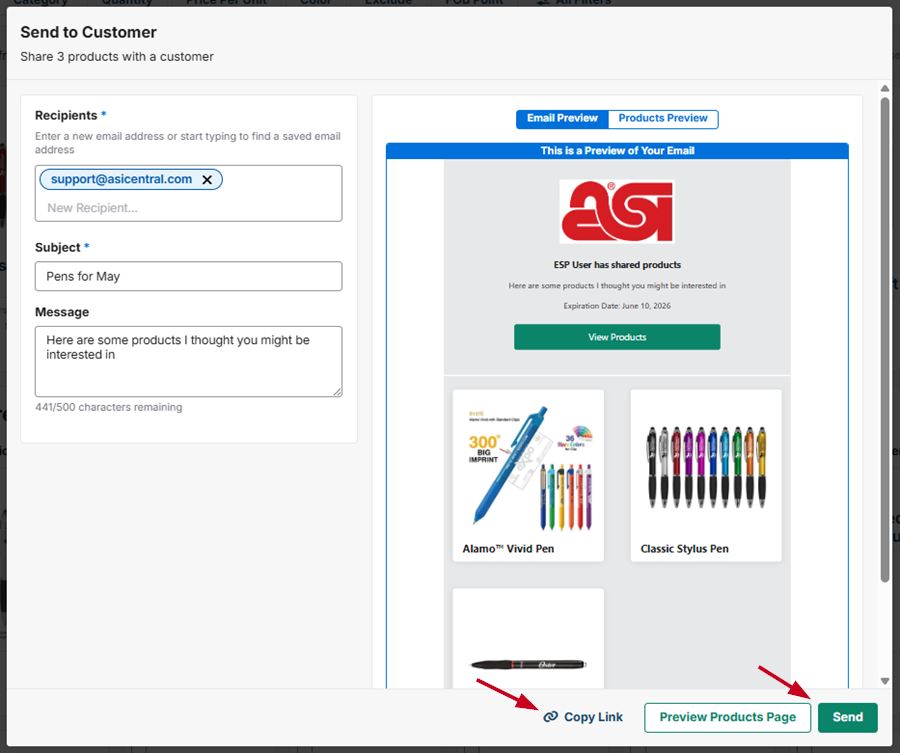
A window will open where you can preview and send the products. Enter the recipient email address, subject line, and optional message, then click on the "Send" button. You can also click on the "Copy Link" button to copy a link to the products to send to your customer in an email.
Note: You can also send a single product by clicking on the product from the search results and clicking on the "Send to Customer" button from the product detail page.